Help
Contact Support
We're here to help. The fastest way to reach us is through the app.
How to Submit a Support Request
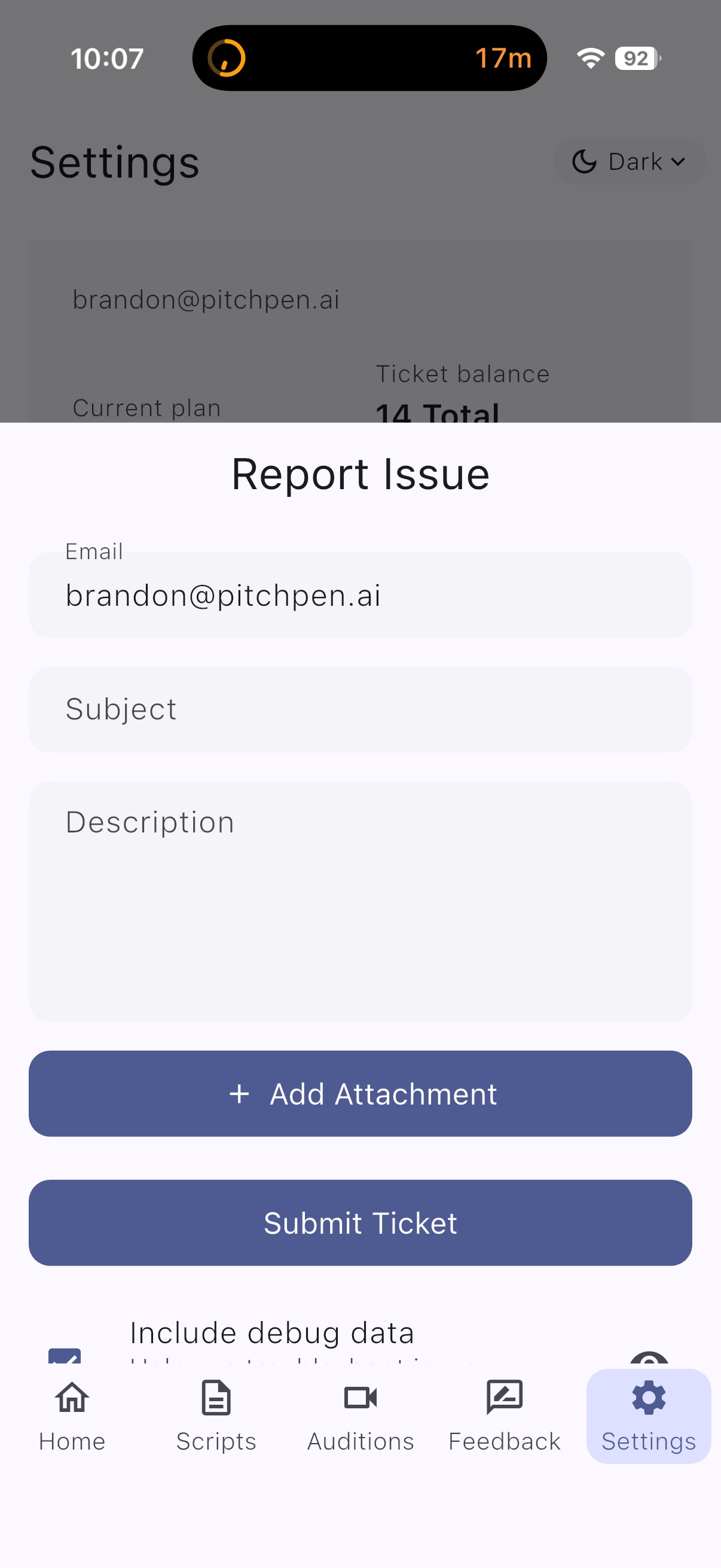
- Open the Aidition app and tap Settings in the bottom navigation bar
- Scroll down and tap Report Issue
- Fill in the Subject and Description fields with details about your issue
- Optionally tap + Add Attachment to include screenshots or files
- Enable Include debug data to help us troubleshoot faster
- Tap Submit Ticket to send your request
We typically respond within 24-48 hours.
Can't access the app?
Email us directly at [email protected]
Email us directly at [email protected]